
How to add comments in a Data Story
Learn how to add comments in a Data Story
Last updated July 22, 2024
Adding comments to a data story makes it easy for you and your team to leave notes or suggestions in your analytical report.
Watch our video tutorial on how to add comments to a data story in an easy-to-follow manner.
Steps:
To add a comment:
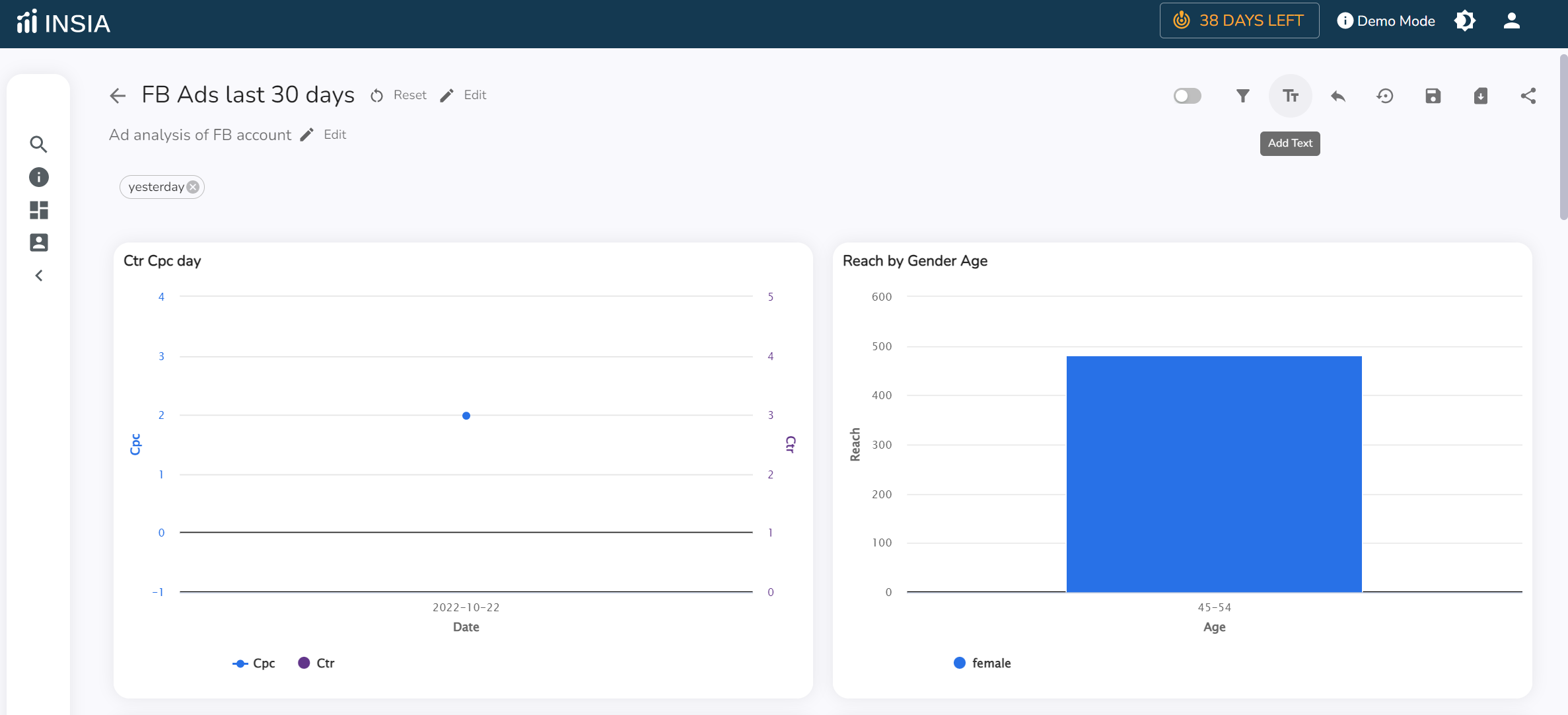
Click on the ”T” symbol.
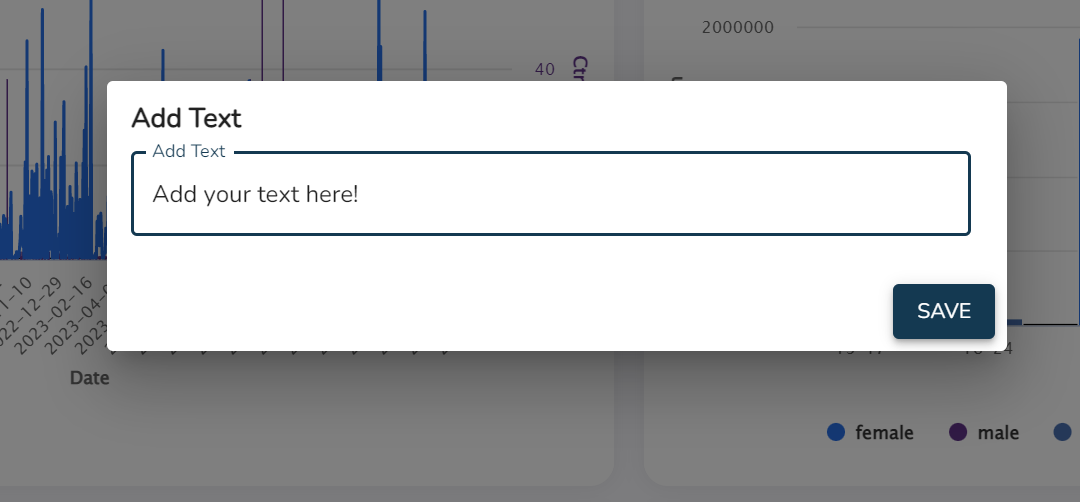
Enter your text in the pop-up box.
Once done, click on save and your comment will be displayed at the end of the data story.
You can rearrange it's position and bring it to the top, if needed by enabling the 'Resize/Move' option on the top-right corner, as follows:
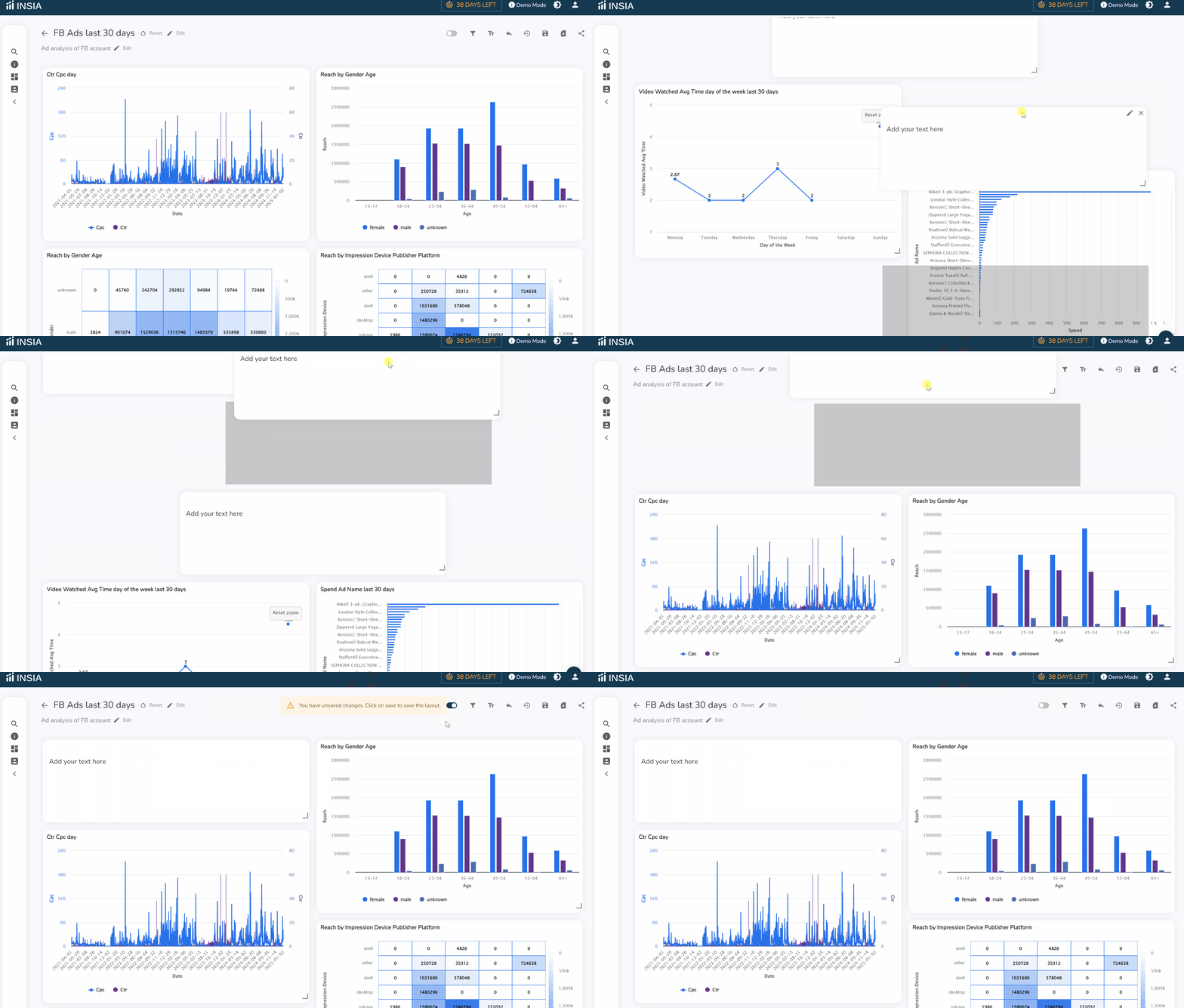
And voila! Your comment has been added!
Related Articles: