How to delete a chart from Data Story
Learn how to delete a chart from your Data Story on INSIA
Last updated July 22, 2024
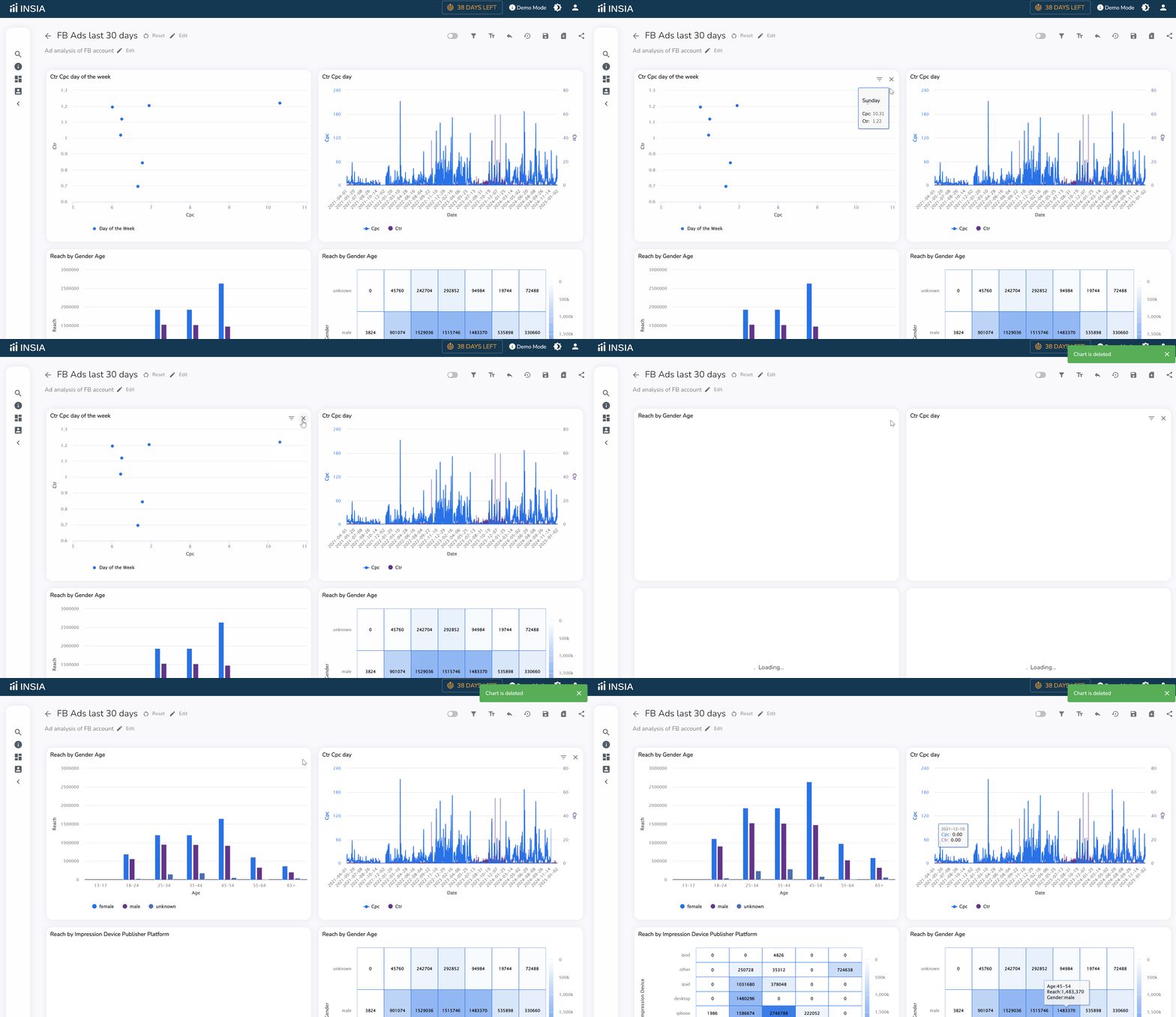
If you add a chart to your data story by mistake or just feel like a particular chart is no longer needed in the data story, you can easily delete the chart.
Each data chart has an X-mark on the top right corner. Click on the X-mark to delete the chart from your data story.